

How to find your Bre-B key

Bre-B keys are supposed to make life easier. And they do, right up until someone asks for yours and your mind goes blank. Your cousin in Miami has the Ria app open, the money is ready, and you’re jumping between three banking apps trying to remember if you used your phone number, your cédula or that @ code your bank came up with.
We’ve all been there. The fix usually takes a couple of minutes. Below we cover where your Bre-B key lives, how to find it in your bank or wallet app, and what to do if it turns out you never registered one.
New to Bre-B? Start with our guide to what Bre-B is and how it works.
What a Bre-B key is
Bre-B is Colombia’s interoperable instant payment system, run by Banco de la República. You don’t share a long account number. You share a key, which is a short identifier linked to your bank account or digital wallet.
There are four types of keys:
Your national ID number (cédula)
Your Colombian cell phone number
Your email address
An alphanumeric code your bank generates, which starts with @
A few rules affect where your key can be:
You can register up to four keys per account.
The same key can’t be registered at two institutions at the same time.
The key options your app offers come from the details your bank already has on file.
That second rule matters most when you’re searching. Each key is linked to one institution, so once you know which bank or wallet holds it, finding it is simple.
Have family abroad who wants to send you money? They can send money straight to your Bre-B key with Ria.


How to find your Bre-B key in your bank or wallet app
You don’t need a separate Bre-B app. Your key is managed inside the app or website of the bank or wallet where you registered it.
Step by step
Log in to your bank or wallet app.
Open the Bre-B section. It usually shows up on the first screen after you log in.
Look for the option that shows or manages your keys. The exact label changes from bank to bank.
Check the list of keys registered to your account, and note which type each one is (phone number, cédula, email or @ code).
Confirm which account each key is linked to, if you have more than one account at that institution.
Want to see what these screens look like before you open your app? Banco de la República has simulators that walk you through each step.
If your key is an @ code
People forget alphanumeric keys most often, because nobody chooses them by memory. Your bank generates the code, so it doesn’t match your phone number, ID or email. The code is listed in the Bre-B section with your other keys. Copy it straight from the app instead of retyping it, since one wrong character changes the key.
If you have accounts at more than one bank
Many Colombians have a bank account plus a wallet like Nequi or Daviplata. If that’s you, your key could be at any of them.
Here’s how to narrow it down:
Check the Bre-B section in each app you use. Each one only shows the keys registered with that institution.
Think about where you’d want money to land. Many people register their main key on the account they use to receive money.
If an app won’t let you register a phone number or ID as a key, that key may already be registered somewhere else. Check your other apps.
One more thing to keep in mind: if you moved a key from one bank to another, money sent to it goes to the new institution. Before you share it, make sure your key is linked to the account you want to receive money in.
Not sure your bank or wallet works with Bre-B? See which banks and wallets support Bre-B in Colombia.

Can’t find your key? You may not have one yet
If the Bre-B section shows no keys at any of your banks, you most likely haven’t registered one. Anyone with an account can send money through Bre-B without a key, but you need a key to receive money.
Registering one is free and doesn’t involve intermediaries:
Log in to your bank or wallet app.
Open the Bre-B section.
Choose the option to register a key.
Pick the type of key you want to use.
Link it to the account where you want to receive money, then confirm with your password, token or fingerprint.
A few tips for picking your key:
A phone number is the easiest key for family to remember.
If you change phone numbers often, your cédula is a steadier choice.
If you want to use a new phone number or email, update your details with your bank first. The app only offers the data it already has on file.
What to do once you’ve found your key
Your sender needs one thing from you: the key. They don’t need your account number, password or any code your bank texts you.
To avoid mix-ups:
Type the key in a message so your sender can copy and paste it.
Tell them which type it is: phone number, cédula, email or @ code.
Share it exactly as it appears in your app, and ask them to check every character before they confirm. A typo can send the money to someone else’s key.
If your family sends with Ria, they pick Colombia, choose Bre-B as the delivery method and enter your key. For the full picture on your side, share our guide on how to receive money from the US via Bre-B.
How to change, move or cancel your key
Keys aren’t permanent. You can modify, cancel or move your keys from your bank’s Bre-B section. This helps when:
You get a new phone number and your old one was your key.
You want money to land in a different account or wallet.
You want to free up a key so you can register it at another institution.
Whenever you change your key, send the new one to your family before their next transfer. If they use an old key, the money can end up somewhere you didn’t expect.

How to keep your key safe while you look for it
Banco de la República has warned about fraud attempts, including text messages with links to fake pages. Scammers know people are still learning how keys work, and “find your key” or “activate your key” messages are an easy hook.
A few habits help:
Look up and manage your key only inside your bank’s official app. Don’t use a link sent by text message.
Registering a key is free, so treat anyone asking for a payment to “activate” or “recover” your key as a red flag.
Your key is for receiving money. Keep your passwords, PINs and verification codes to yourself.
If something about your key looks wrong, Banco de la República says to contact your financial institution through its own support channels, such as the chat in your bank’s app, its customer service line or a branch.
Sending money to a Bre-B key from abroad
Bre-B handles payments within Colombia. We take care of the international part: your family’s dollars become pesos, and we deliver them to your key through Bre-B.
Here’s what your sender does:
Sign in to Ria or register for free.
Choose Colombia and enter the amount.
Pick how to pay.
Select Bre-B as the delivery method and enter your key.
Confirm, then track the transfer with the PIN or order number.
If you’d rather receive money another way, your family can also send money to Colombia with Ria by bank deposit, to a wallet like Nequi, or for cash pickup.
Found your key? Send it to your family, and they can choose Bre-B the next time they send money to Colombia with Ria.
FAQs
Where can I see my Bre-B key?
In the Bre-B section of the bank or wallet app where you registered it. It usually shows up on the first screen after you log in, and it lists the keys linked to your account.
I have several banks. How do I know which one has my key?
Check the Bre-B section in each app. A key can be registered at only one institution at a time, so it will show up in just one of them.
What if I don't see any key in my app?
You probably haven’t registered one yet. You can register a key for free in that same Bre-B section and link it to the account where you want to receive money.
Can I have more than one Bre-B key?
Yes. You can register up to four keys per account, but the same key can’t be registered at two institutions at the same time.
I forgot my @ code. Where do I find it?
Your bank generates the @ code, and it’s listed with your other keys in the app’s Bre-B section. Copy it from there instead of typing it from memory.
What if I changed my phone number?
Update your key from your bank’s Bre-B section, then send the new key to your family before their next transfer.
Is it safe to look up my key through a link I got by text message?
No. Banco de la República has warned about text messages with links to fake pages. Look up and manage your key only inside your bank’s official app.
About the author

Ignacia Córdova
Ignacia Córdova is Ria's Content Specialist, based in Santiago, Chile. She loves turning everyday moments into stories worth sharing, one post at a time.
Related posts

Why People Send Money Home: Remittances by Region Explained
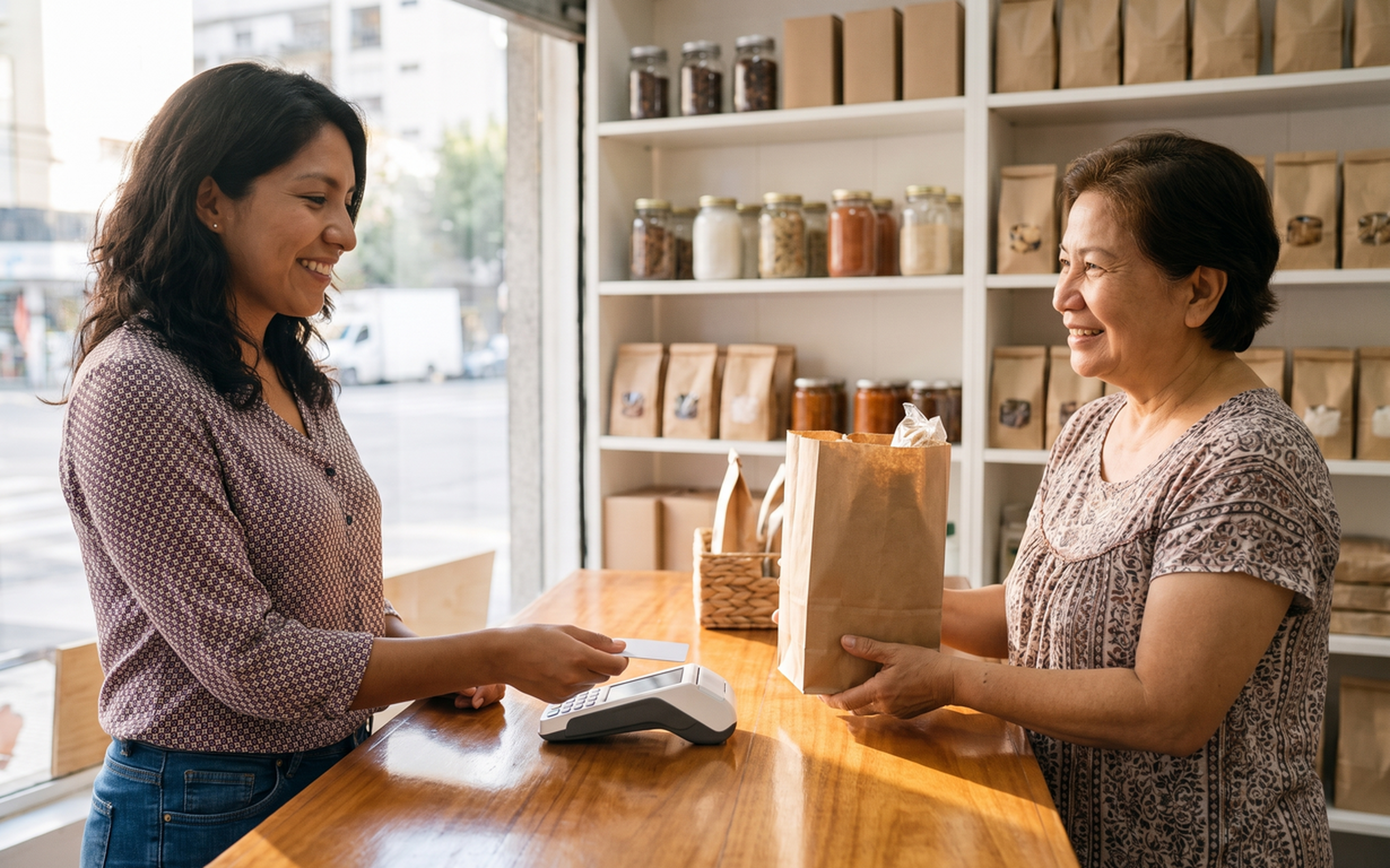

Which banks and wallets support Bre-B in Colombia?
Bancolombia, Davivienda, Nequi, Daviplata and many more. Here's which Colombian banks and wallets support Bre-B, how to check yours, and how to send money to a Bre-B key from the U.S.

Why Migrants Send Money: The Emotional Side of Remittances
Sending money home is about more than financial support. Explore the pride, love, responsibility and pressure behind remittances and what they mean for migrants.


How to send money on WhatsApp with Ria: Your complete guide
Everything you need to send money with Ria on WhatsApp: what to have ready, transfer limits, payment, delivery options and how the chat works from start to finish.